

Amend Attendance Result
Make
sure you have completed following session(s)
Steps
2.
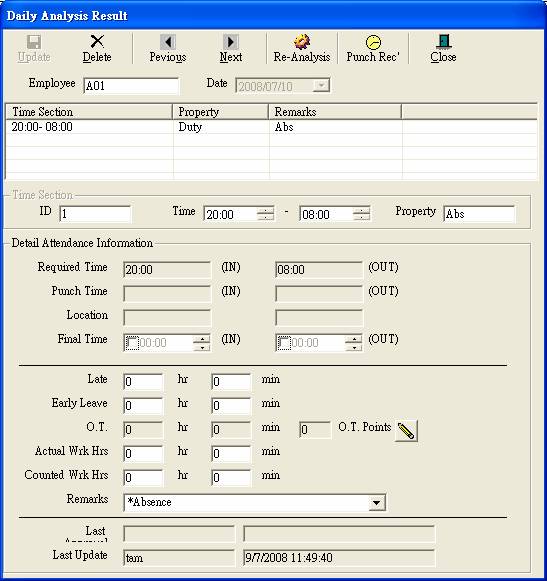
Double click attendance result for editing. It
will be displayed the daily analysis result
3.
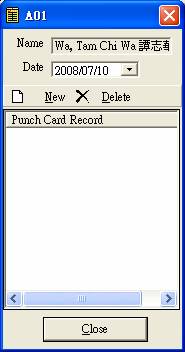
Click the Punch Rec’  to view/edit the punch card record
of the day:
4.
Click
“Re-Analysis”  to re-analyse
transaction data.
5.
To
amend detail information. Select a session from the list.
6.
Amend
final time.
7.
Click
“Re-Calculate” button to
re-calculate corresponding items.
8.
Or
amend the result directly in text boxes.
9.
Finally
click “Update” button  to update all
changes. Noted that this record will be marked as “Revised”. User name and date time are stored for reference.